







What is an emergency notification system for business?
An emergency notification system (ENS) is software that broadcasts urgent messages to an entire workforce at once – across desktops, phones, email, and displays – and records who received and acknowledged each alert. DeskAlerts is emergency notification software built for employee-facing alerts: it pairs hard-to-miss delivery with the reports a post-incident review asks for.
Messages stay visible even when email or chat is down: DeskAlerts delivers over its own agent-to-server channel, with acknowledgment records, delivery statistics, and action logs for the follow-up.
Emergency alerts are the highest-priority channel of DeskAlerts employee notification software.
What counts as an emergency notification
An emergency notification is a message sent to a particular audience to alert it to an emergency: a fire, a tornado, an earthquake, a chemical spill, a gas leak, a hurricane, severe weather, an active shooter. An emergency notification system for business prepares the organization for the act of communicating when such a situation is real: it reaches employees and other stakeholders with instructions and tells them where to go.
The three types of emergency alerts
Public warning in the United States has three types: Wireless Emergency Alerts sent to phones in an area, the Emergency Alert System on radio and television, and opt-in alerts from local authorities. An employee emergency notification system is a fourth, private layer: it reaches your own workforce on the devices your IT department manages, with a record of who acknowledged the alert.
An employee emergency notification system for your own workforce
The audience of an employee emergency notification system is internal: the people who work for you, on the devices your IT department manages. That is why DeskAlerts builds its audiences from Active Directory and Microsoft Entra ID, reports per recipient, and leaves public warning to the authorities’ alert systems.
Not only for emergencies
DeskAlerts is more than an emergency notification service. The same system carries urgent and routine communication to employees: IT outages and scheduled maintenance, company projects and initiatives, instructions that require acknowledgment, policy changes and reminders. For company-wide alerts outside emergencies, see the mass notification system for business.
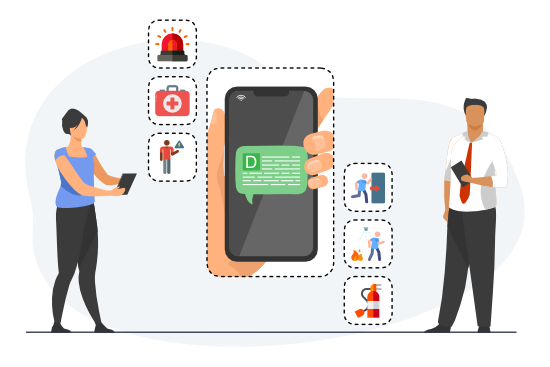
How it works in an emergency: one click from alarm to alert
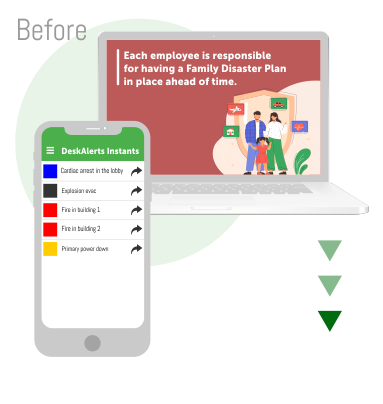
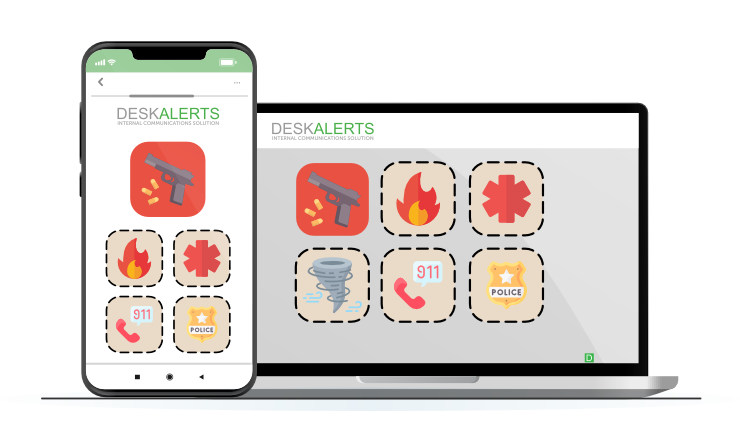
The work happens before the crisis. Administrators create emergency buttons in advance – “Fire in the building”, “Severe weather”, “IT outage” – each with its wording, color-coded skin, pop-up size, and the list of people authorized to press it.
When the moment comes, the authorized sender clicks the button in the tray menu or mobile app – and a full-screen, high-priority alert takes over the screen. Acknowledgments arrive in the report as employees confirm. Hospitals can map buttons to alert color codes.
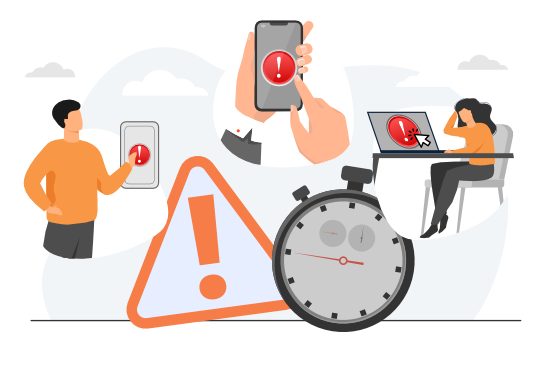
Two buttons, two directions
Emergency alert buttons broadcast from the crisis team to the workforce: one click, full-screen alerts to everyone affected.
The Panic Button works the other way: an employee in trouble sends an S.O.S. to the response team, which receives a pop-up within seconds – plus SMS and email when enabled; from mobile, the S.O.S. carries a location link – and every activation is logged in the Panic Button history.
For large organizations with multiple sites, crisis response teams, and strict compliance protocols, explore our enterprise communication solution for scalable, secure emergency messaging.
Emergency preparedness
Prepare Employees in Advance
- Emergency buttons send the pre-built alert in one click
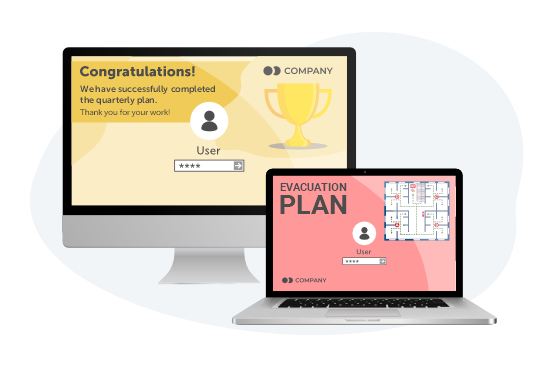
- Use screensavers, lock screens and digital signage to remind employees about emergency policies and procedures and raise awareness
- Use DeskAlerts’ acknowledgment tracking tool and extended reports to evaluate the success of running tabletop exercise scenarios
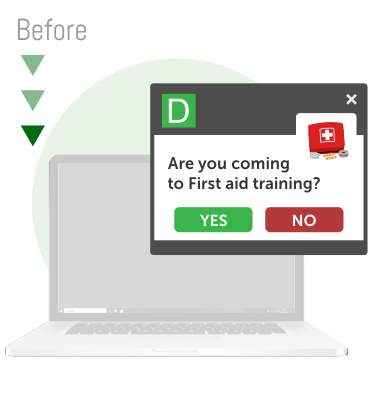
Emergency training
Deliver Emergency Training Messages
- Invite employees to join training sessions via the RSVP tool and know exactly who is going to come
- Make training more effective by sending employees information via pop-ups
- Test employee knowledge with quizzes to check that they understand the topic
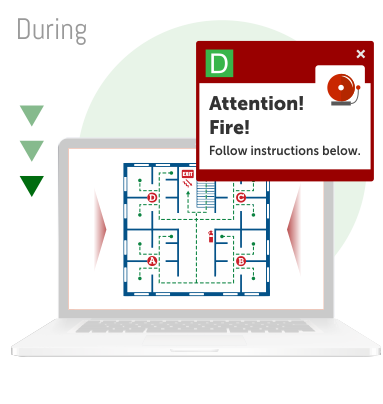
Alert in one click
Send Alerts Within Seconds
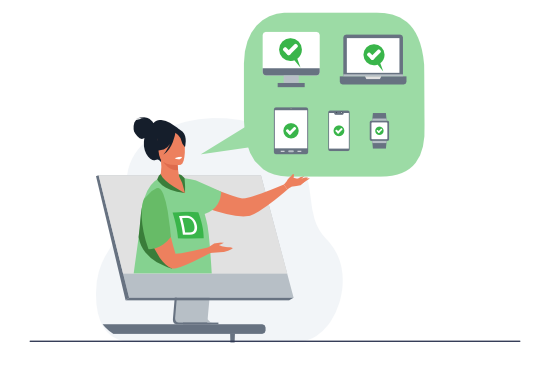
- Alert staff on every channel at once (desktop, mobile, digital signage)
- High-priority pop-ups open on top of other windows and can stay on screen until acknowledged
- Authorized senders fire pre-configured emergency buttons from the tray or mobile app
- Send pop-ups with emergency information, blocking the entire screen
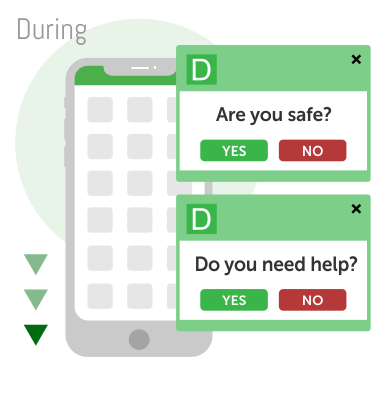
Get feedback
Get Feedback
- Check that your people are safe by sending surveys to their cell phones and computers
- Ask if they need any immediate assistance
- Know exactly who is not responding and be ready to help them
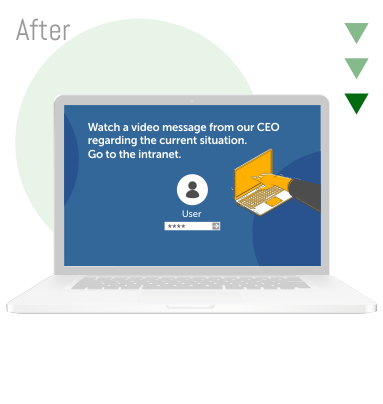
Keep informed
Keep Staff Informed
- Inform staff about what is going on after an emergency
- Give clear instructions about what to do right now
- Use the lock screen to cheer people up, tickers to update them with new information and pop-up and mobile alerts for vital news and CEO messages
Measurement and segmentation
Measure and Segment
- Use the statistics module to find out which actions worked best
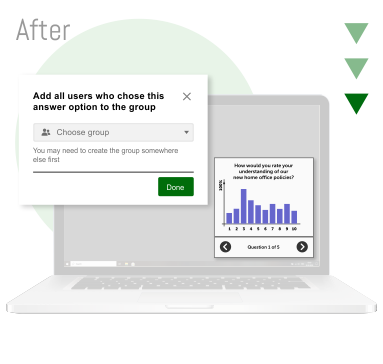
- Use survey statistics to divide people into groups and send each group specific information (for example to people who worked in a damaged building – about new working conditions)



Panic Button: an S.O.S. straight to your response team
- An employee in trouble presses the Panic Button on a corporate device – the response team gets a pop-up within seconds – plus SMS and email when enabled.
- From a mobile device, the S.O.S. carries a location link, so the team knows where help is needed.
- The response team and its channels – pop-up, plus SMS and email when enabled – are configured in advance.
- Every activation is recorded in the Panic Button history for the post-incident review.







Emergency alerts in practice: our use case guide
Inside the guide:
- How to navigate real-world emergencies with actionable scenarios;
- How to utilize DeskAlerts’ tools effectively during crises;
- How to enhance team safety and make communications more efficient.

"DeskAlerts provided a reliable communications channel, which was proven to be vital in the state of emergency during terror attack, in the event of usual channels being overloaded and inaccessible."

Healthcare, Belgium

“All departments use DeskAlerts to send communication that would ordinarily be missed via email communication.”
Deloitte
Accounting, East Africa

“DeskAlerts lets us broadcast system information to users. We have placed information monitors in several positions in our building where we broadcast systems alerts and news to share information about system breakdowns or other significant information that can affect peoples’ daily work.”
Topdanmark
Insurance, Denmark

“DeskAlerts enabled us to deploy emergency notifications to our employees’ desktops without relying on any of the existing platforms. It was important for us to have a pop-up notification that would be in the user’s face, no matter what they were working on at the time.”